

|
|
|
|
|
|
|
|
|
|
|
|
|
|
|
|

|
|
|
With Picture Frame you can use a texture to instantly build a frame around an image. A texture file can be any image file in JPG or PNG format. It's particularly well suited for wood and molding style frames as shown below, with very little effort and consistent high quality results.
Picture Frame gives you a solid set of controls for the basics like adjusting frame width and lighting effects. And if Picture Frame doesn't quite give you what you're looking for, there's an enhanced version, Picture Frame+ that has lots more features.
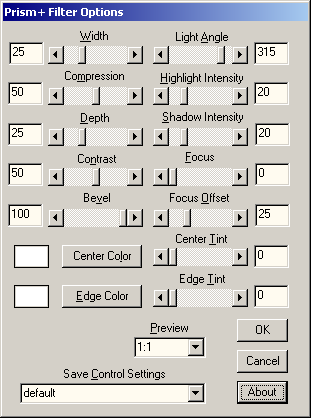
Below is a screen shot of Picture Frame showing the default settings, except for the Texture File selection which shows a sample of a wood type texture. The control names are listed alphabetically alongside the screen shot. Click on any control name or anywhere in the screen shot image for more information.
|
About Bevel Cancel Depth |
|
Focus OK Preview Width |
| Copyright © 1994-2013 Tom Carlino | ||