|
Highlight Intensity controls the intensity of the facet areas that
are brighter than the original image that they are taken from. It's
independent from Shadow Intensity
to give much more flexibility than in the original Prism plugin where
there was only a single Light Intensity control and it allows much
better control over the balance between the brighter and darker areas.
Also there's a relationship between Highlight Intensity and the
Focus control. See the Focus help page for
more information about that.
The following example shows Highlight Intensity at two different settings.

Highlight Intensity = 45
|
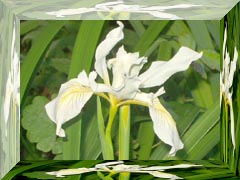
Highlight Intensity = 75
|
|


