

|
|
|
|
|
|
|
|
|
|
|
|
|
|
|
|

|
|
|
 |
Bevel Width |
||
|
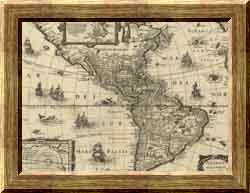
Bevel Width selects how much (0% to 100%) of the frame is beveled.
Note that Bevel Width actually selects the percentage of the frame
that is not beveled so it may appear that it works in reverse
to what you expect. So at 0% all of the frame is beveled and at
100% none of the frame is beveled.
The following example shows Bevel Width at two different settings.
|
|||

| Copyright © 1994-2013 Tom Carlino | ||